

RGCU + Samsung Pay.
Part of the RGCU Digital Wallet.

Samsung Pay
Available Now With Samsung Pay™. Safe, Simple Mobile Payments Virtually Anywhere You Can Swipe or Tap Your Card.
With Samsung Pay, paying is as easy as pulling out your phone. Quick and easy enrollment of your RGCU Credit or Debit Card will allow you to start using Samsung Pay right away.
Simple.
Use your Samsung Device1 almost anywhere you can swipe or tap your RGCU card in three easy steps:
- Swipe Up. Swipe up from the bottom of your screen to launch the app, select your RGCU card and get started.
- Secure. Use your fingerprint or your Samsung Pay PIN to authenticate the transaction.
- Hover and Pay. Hover your device close to the card reader where you’d usually swipe or tap your card. A subtle vibration will alert you that the payment is being transmitted.
Secure
Samsung Pay uses several layers of security to keep your payment information safe. Your actual account number is kept separately and won’t be stored or shared. A Samsung Pay Device Account Number is used instead ensuring your account security.
1 - Samsung Pay is only compatible with select Samsung devices and mobile carriers. Visit Samsung Pay Support for compatibility details. See Terms and Conditions here.
Get Started
Set up Samsung Pay in 3 simple steps
Whether you are shopping at a grocery store, coffee shop or local bookstore, Samsung Pay can be your go-to payment choice just about anywhere you can swipe or tap your phone!
Step 1
Sign in to your Samsung account.

Step 2
Authenticate your account using your fingerprint.
Step 3
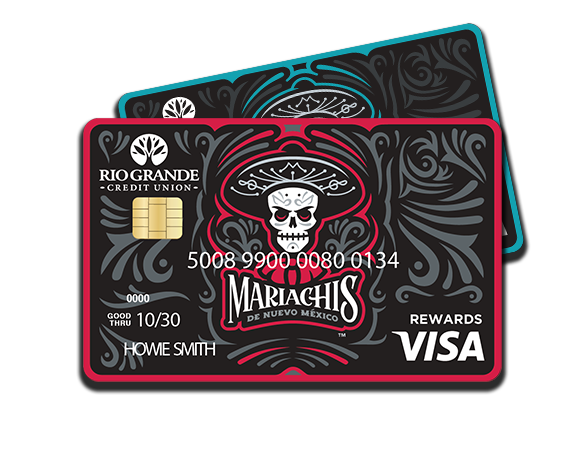
Add your RGCU card by snapping a photo of your card or by typing in your card information.
Samsung Pay FAQs
Get Started